Video Editing
Background Matting v2
Cuts a person out of video precisely, hair included, when you also give a picture of the empty background from the…
Fine-tunableSMART_CROP_VERTICALTurns a landscape clip into a 9:16 vertical clip whose window follows the largest face.
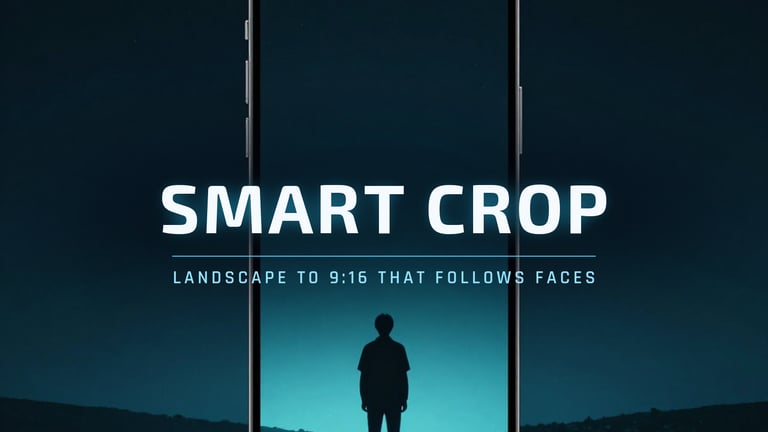
Turns a landscape clip into a 9:16 vertical clip that follows the largest face. Each output frame is the full height of the input. The window width is that height times 9/16, and it never extends past the frame. The window moves toward the face a little on each frame.
The detector is YuNet, file face_detection_yunet_2023mar.onnx (232,589 bytes), from the OpenCV Zoo at commit f12e12798e8314f7c074a6656816c048dcc95b7a.
Model card:
https://github.com/opencv/opencv_zoo/blob/f12e12798e8314f7c074a6656816c048dcc95b7a/models/face_detection_yunet/README.md
That card states: "All files in this directory are licensed under MIT License." YuNet was trained by Shiqi Yu in libfacedetection (https://github.com/ShiqiYu/libfacedetection). The OpenCV Zoo repository root is Apache-2.0. The weights directory carries the MIT licence named on the card, and that is the licence for this file.
The file is public. An anonymous request for the bytes returns HTTP 200.
The request is rejected when the file is over 50 MB, when it is not an MP4, MOV or WebM, when either side is over 1920 pixels, when the clip is over 60 seconds or 1800 frames, when the frame rate cannot be read, or when smoothing or fallback is outside the bounds above.
Faces are located on a copy whose longest side is at most 1280 pixels, and the centre is mapped back to the original. The largest face on that copy is the one that is followed. Profile faces, covered faces, drawings and non-human faces are outside what this detector is for. When a frame has no face, the window moves toward the frame centre, or stays on the last face position when fallback is last.
The clip has no audio in the output. The model runs on CPU.
| Name | Type | Required | Default | Details |
|---|---|---|---|---|
video | file | Yes | — | Landscape clip to crop. MP4, MOV or WebM, at most 50 MB, 60 seconds, 1800 frames and 1920 pixels on a side. video/mp4 |
smoothing | number | No | 0.9 | How slowly the crop window follows the face. 0 snaps to the face. 0.99 lags. 0–0.99 |
fallback | text | No | center | Where to crop when no face is found: the frame centre, or the last face position. Allowed: center, last |
Output. Returns binary file.
Send your API key in the X-API-Key header. The run is asynchronous: submit it, then poll it until it finishes. Create an API key.
curl -X POST "https://api.kainguru.com/api/v1/executions?mlFlowId=SMART_CROP_VERTICAL" \
  -H "X-API-Key: kg_your_api_key" \
  -H "Content-Type: application/json" \
  -d '{
  "input": {
    "video": "https://example.com/input.png",
    "fallback": "center",
    "smoothing": 0.9
  },
  "outputFormat": "json"
}'

# Poll until the execution reaches a terminal state
curl "https://api.kainguru.com/api/v1/executions/{executionId}" \
-H "X-API-Key: kg_your_api_key"from kainguru import KainguruClient
with KainguruClient(api_key="kg_your_api_key", base_url="https://api.kainguru.com/api") as client:
submitted = client.executions.execute(
"SMART_CROP_VERTICAL",
{
"video": "https://example.com/input.png",
"fallback": "center",
"smoothing": 0.9
},
output_format="json",
)
result = client.executions.await_completion(submitted.id)
print(result.execution.output)Price per request: 2.58 credits ($0.0258). The price is shown again before every run; all prices are on the pricing page.
Cuts a person out of video precisely, hair included, when you also give a picture of the empty background from the…
Fine-tunable
Colourises black-and-white video with DeOldify's video model: plausible colour for every frame, laid over the original…
Fine-tunable
Makes a face in a video say new words. Send a clip of one talking face and an audio file; the mouth and jaw move to…
Fine-tunable
Raises a video's frame rate 2, 3, 4 or 8 times by predicting the frames in between, fast enough for long clips (RIFE…
Fine-tunable
Removes burned-in subtitles and captions from a video: finds the text on every frame and fills it in from the rest of…
Fine-tunable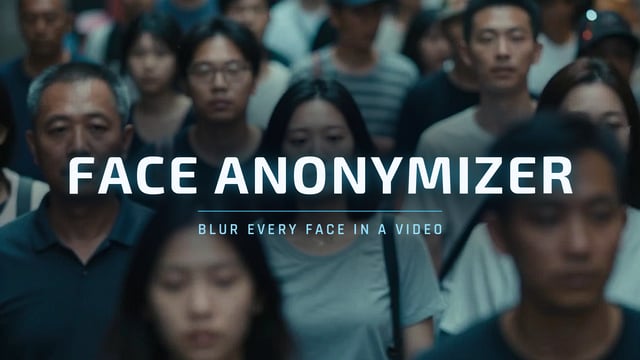
Finds every face in a short video and covers it on each frame with a blur, pixelation or a solid box.