Image Editing
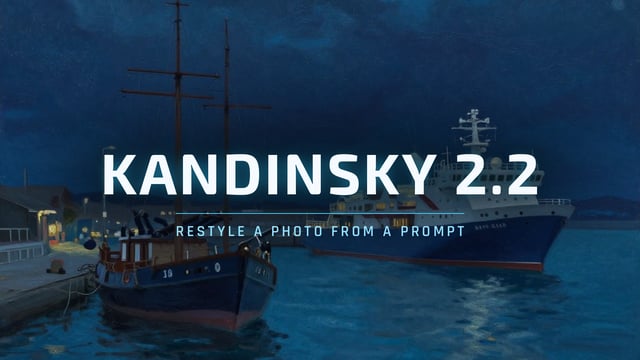
Kandinsky 2 2 Img2img
Kandinsky 2.2 restyles a photo from a text prompt and keeps its layout; the strength sets how far the result moves…
FACE_ANONYMIZERFinds every face in a photo and blurs, pixelates or boxes it out (YuNet face detector).
Finds every face in a photo and covers it. The cover is a blur, a pixelation, or a solid box.
The detector is YuNet, file face_detection_yunet_2023mar.onnx (232,589 bytes), from the OpenCV Zoo at commit f12e12798e8314f7c074a6656816c048dcc95b7a.
Model card:
https://github.com/opencv/opencv_zoo/blob/f12e12798e8314f7c074a6656816c048dcc95b7a/models/face_detection_yunet/README.md
That card states the files in the YuNet directory are under the MIT licence. Copyright 2020 Shiqi Yu. YuNet was trained by Shiqi Yu in libfacedetection (https://github.com/ShiqiYu/libfacedetection). The OpenCV Zoo repository root is Apache-2.0; the weights directory carries the MIT licence named on the card, and that is the licence for this file.
The file is public. An anonymous request for the bytes returns HTTP 200.
The request is rejected when the file is over 20 MB, when either side is over 4096 pixels, when the file is not a readable colour photo, or when method, strength, score_threshold or margin is outside the bounds above.
Faces are located on a copy whose longest side is at most 1280 pixels, and the boxes are mapped back to the original. YuNet was trained for faces of about 10 by 10 to 300 by 300 pixels on the image it scores, so a very small face in a large photo can be missed. Profile faces, covered faces, drawings and non-human faces are outside what this detector is for.
Covering a box is not a promise that a person can no longer be recognised. The background, clothing, and any face the detector skipped stay visible. The model runs on CPU.
| Name | Type | Required | Default | Details |
|---|---|---|---|---|
image | file | Yes | — | Photo to anonymise. At most 20 MB and 4096 pixels on a side. image/jpeg, png, webp |
method | text | No | blur | How to cover each face: blur, pixelate or box. Allowed: blur, pixelate, box |
strength | integer | No | 25 | Blur radius, or the pixel-block size when method is pixelate. 5–99 |
score_threshold | number | No | 0.7 | Minimum detector score for a box to count as a face. 0.3–0.99 |
margin | number | No | 0.2 | Extra box size as a fraction of the face box, added on each side. 0–1 |
Output. Returns binary file.
Send your API key in the X-API-Key header. The run is asynchronous: submit it, then poll it until it finishes. Create an API key.
curl -X POST "https://api.kainguru.com/api/v1/executions?mlFlowId=FACE_ANONYMIZER" \
  -H "X-API-Key: kg_your_api_key" \
  -H "Content-Type: application/json" \
  -d '{
  "input": {
    "image": "https://example.com/input.png",
    "margin": 0.2,
    "method": "blur",
    "score_threshold": 0.7,
    "strength": 25
  },
  "outputFormat": "json"
}'

# Poll until the execution reaches a terminal state
curl "https://api.kainguru.com/api/v1/executions/{executionId}" \
-H "X-API-Key: kg_your_api_key"from kainguru import KainguruClient
with KainguruClient(api_key="kg_your_api_key", base_url="https://api.kainguru.com/api") as client:
submitted = client.executions.execute(
"FACE_ANONYMIZER",
{
"image": "https://example.com/input.png",
"margin": 0.2,
"method": "blur",
"score_threshold": 0.7,
"strength": 25
},
output_format="json",
)
result = client.executions.await_completion(submitted.id)
print(result.execution.output)Price per request: 0.008 credits ($0.00008). The price is shown again before every run; all prices are on the pricing page.
Kandinsky 2.2 restyles a photo from a text prompt and keeps its layout; the strength sets how far the result moves…
Edit a picture from a written instruction, changing objects, people, text or style while keeping the rest consistent.
Fine-tunable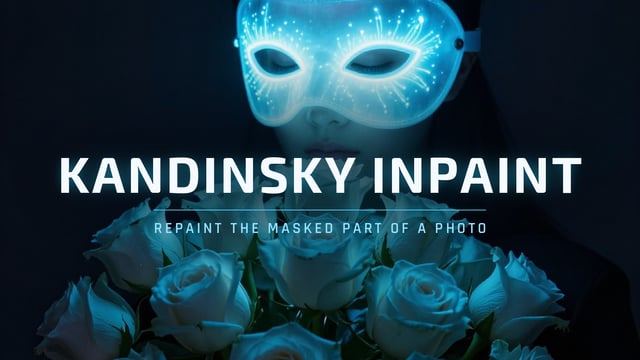
Kandinsky 2.2 inpainting: paints the masked part of a photo from a text prompt and leaves the rest untouched.
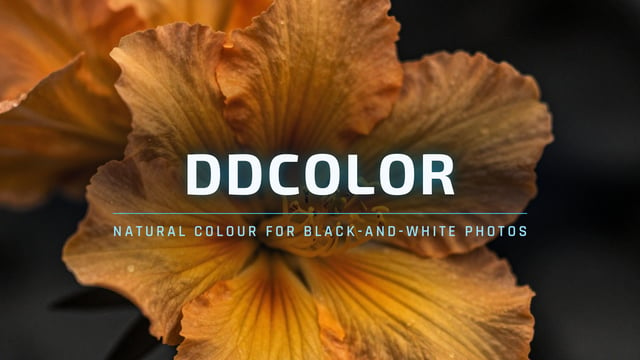
Colourises black-and-white and faded photos: it keeps each photo's own light and shade and adds natural colours.
Fine-tunable
Colourises old black-and-white photos in two styles: artistic, with bolder colours, or stable, calmer and more…
Fine-tunable
Brightens dark and low-light photos and restores their colour, lifting the shadows without washing out the highlights…
Fine-tunable